
Quotes by WhatsApp, email or link, side by side.
Get quotes back
Your suppliers quote the way they already work. Every quote lands in one comparison.
Your request reaches suppliers on WhatsApp New: see the changelog entry
Your items and deadline arrive in their WhatsApp, as well as by email.
Once they say Yes to SourcingHQ's number. Messages are in English.
They tap Quote here and send their prices
A form opens inside WhatsApp, one line per item. They type a unit price and tap Send prices.
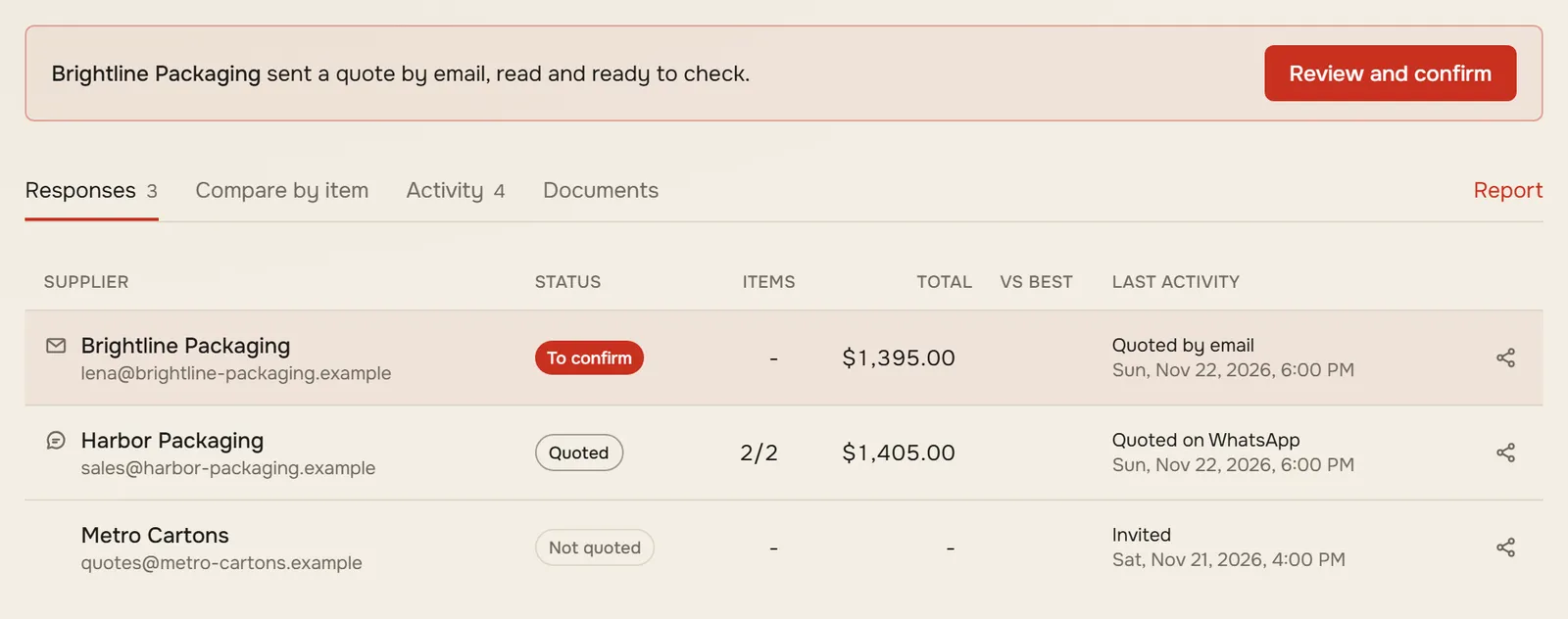
Or they just reply to your email New: see the changelog entry
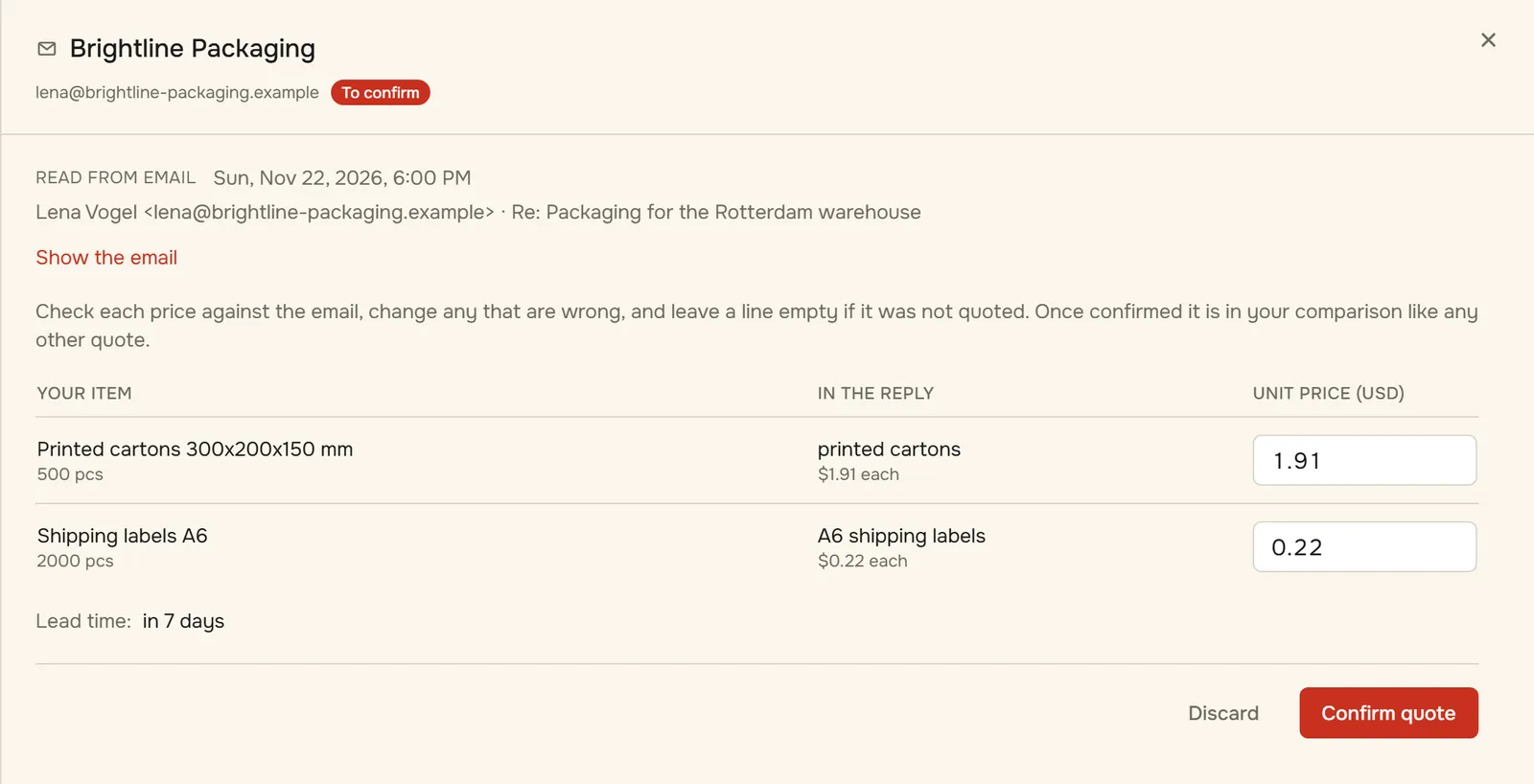
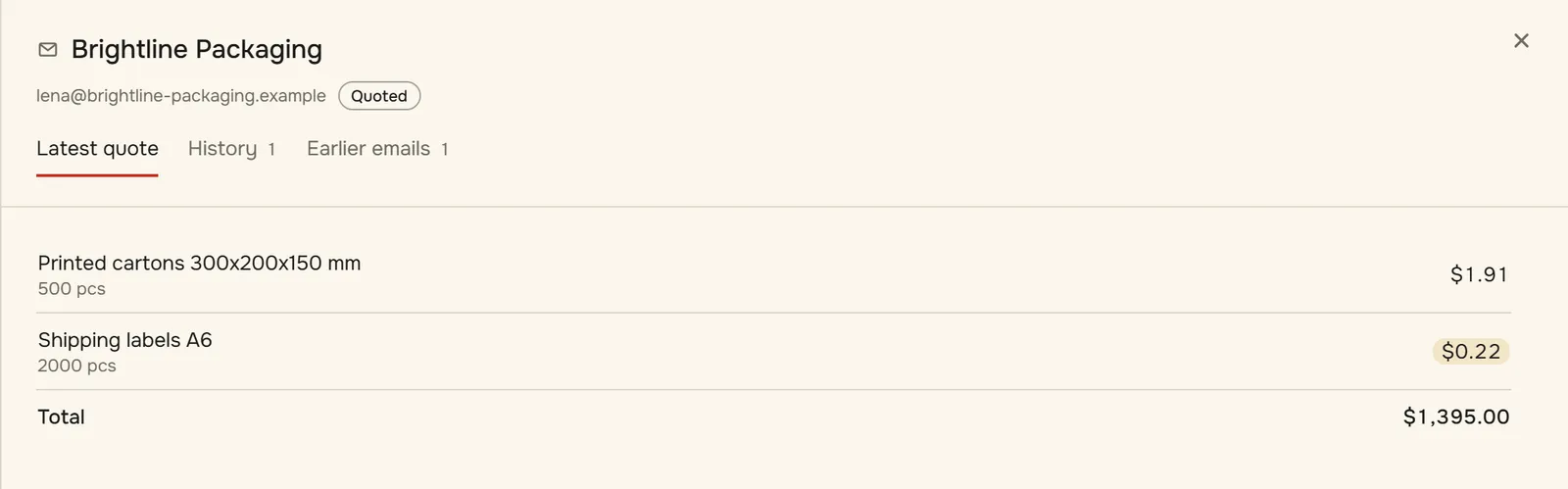
They reply with their prices. SourcingHQ puts each price against your items, and you confirm.
Reads the email, text PDFs, spreadsheets, and JPEG or PNG photos. Uses AI credits.
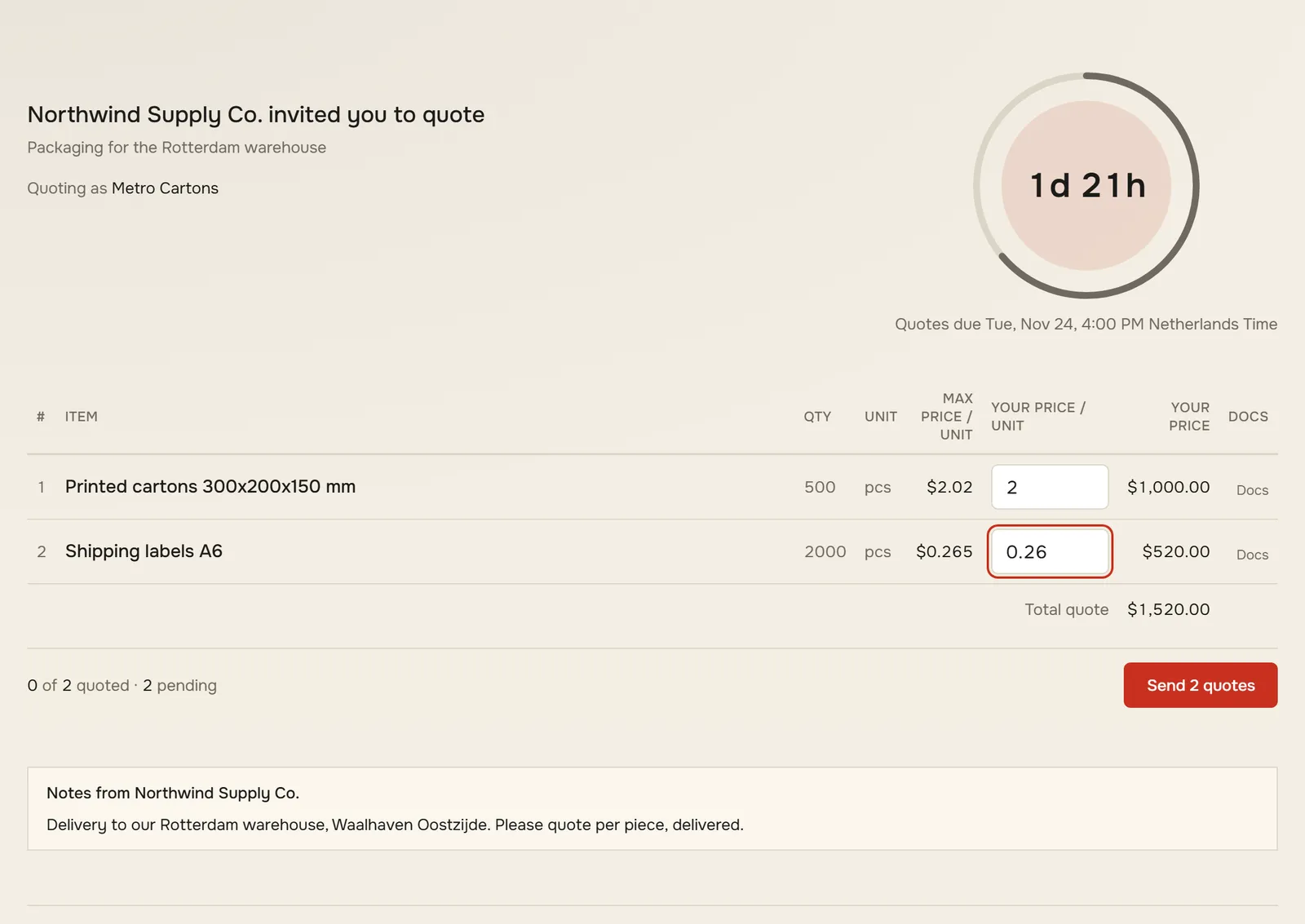
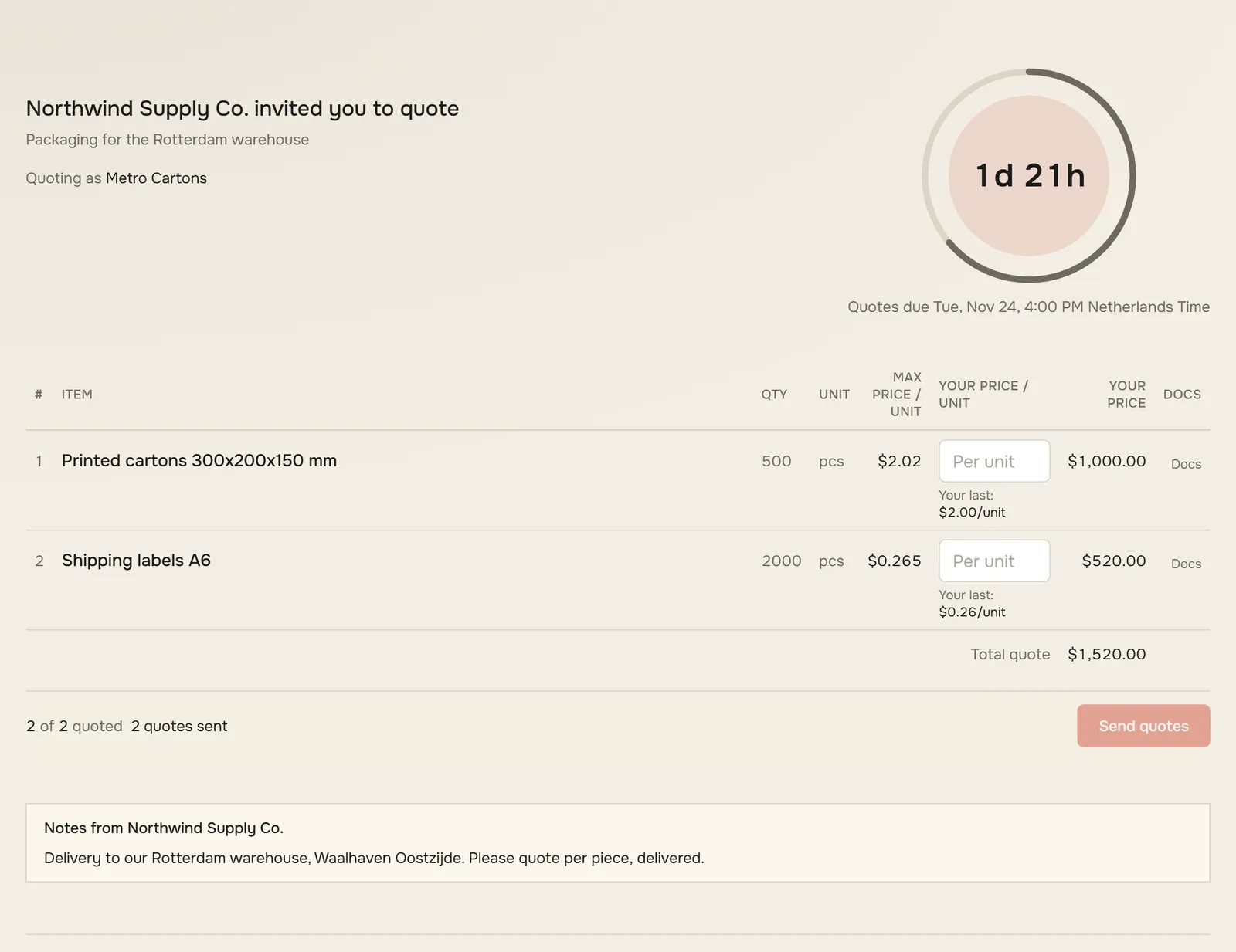
Or they quote on a secure link
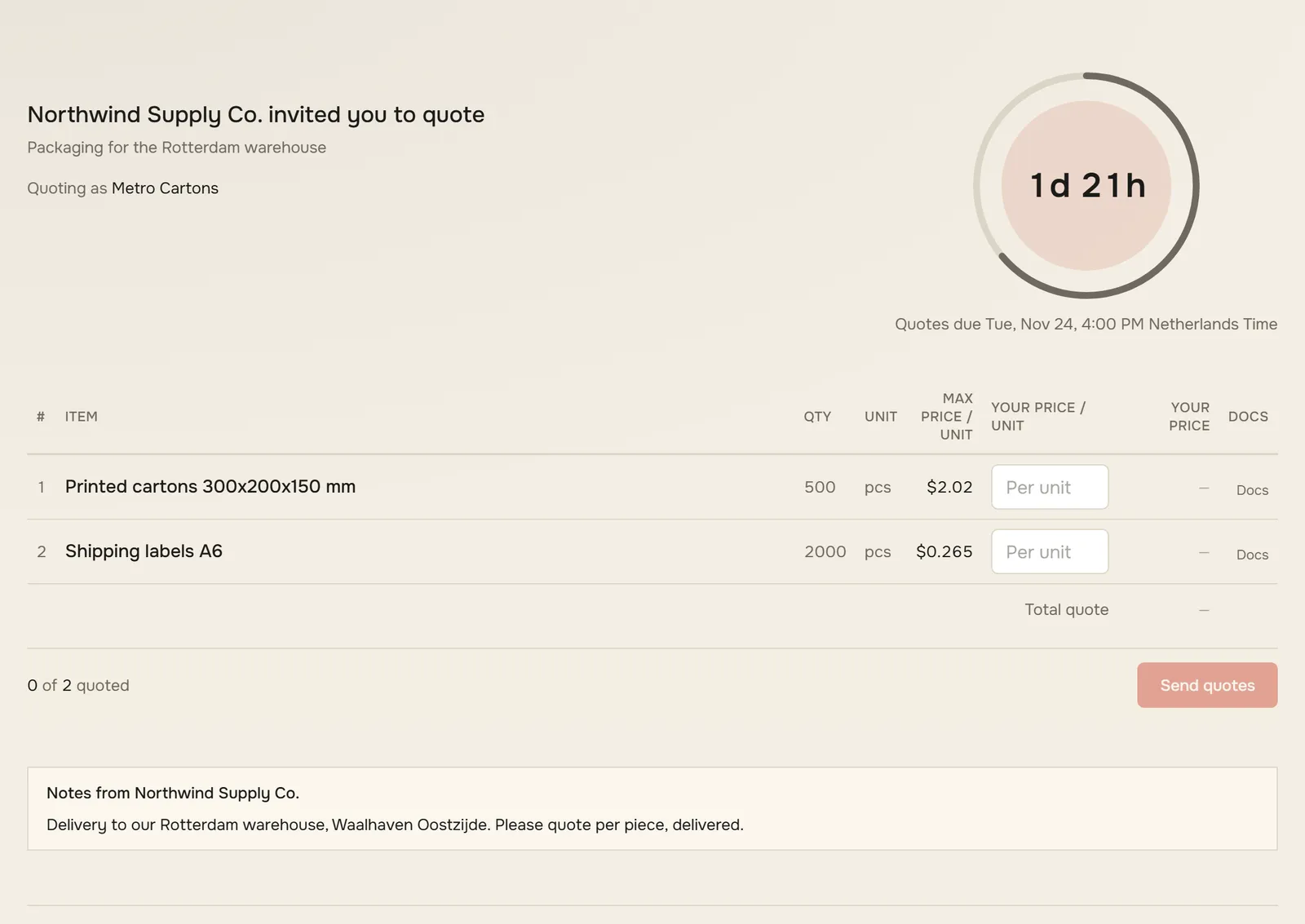
Every invite carries a link to a quote page. No account, no password.
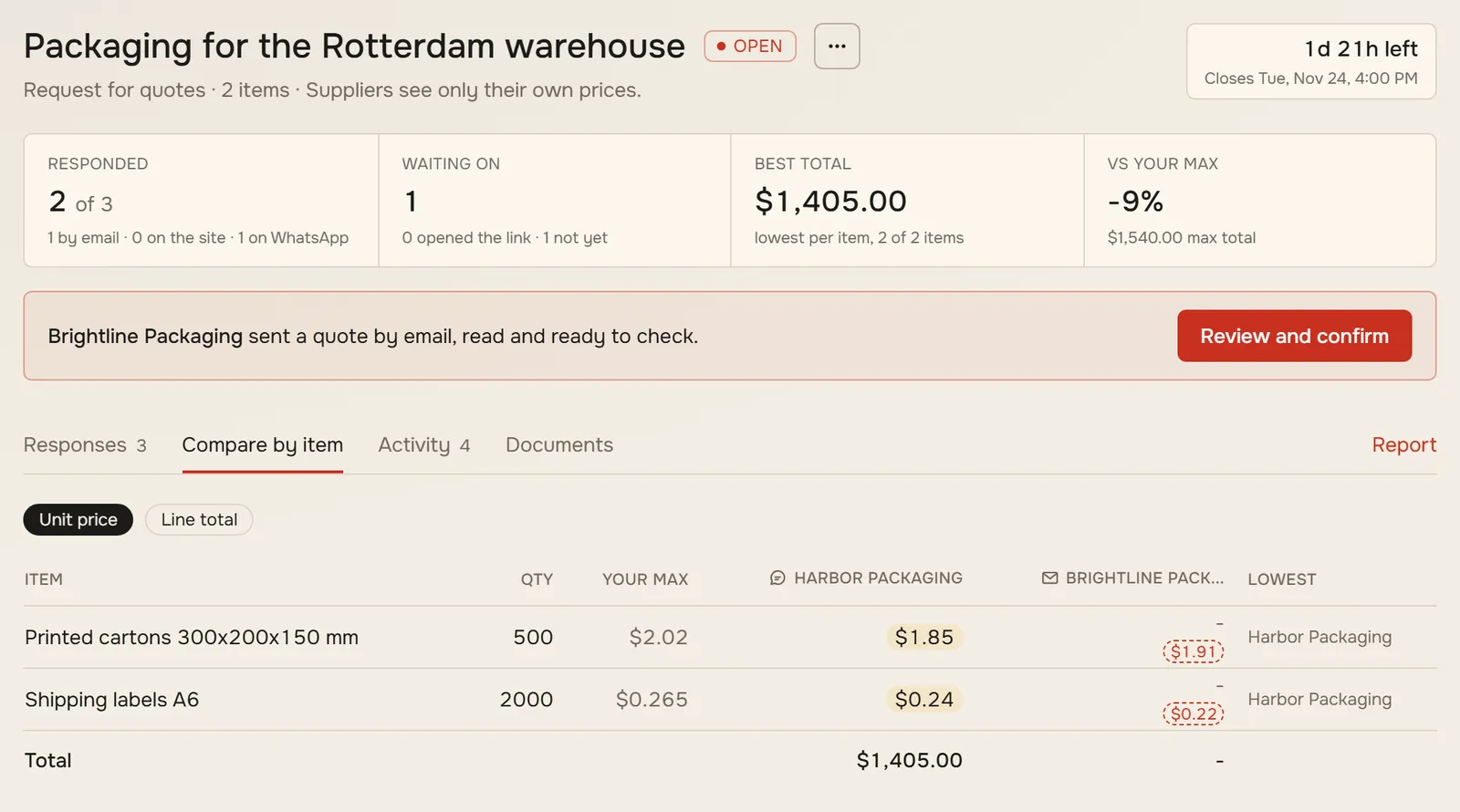
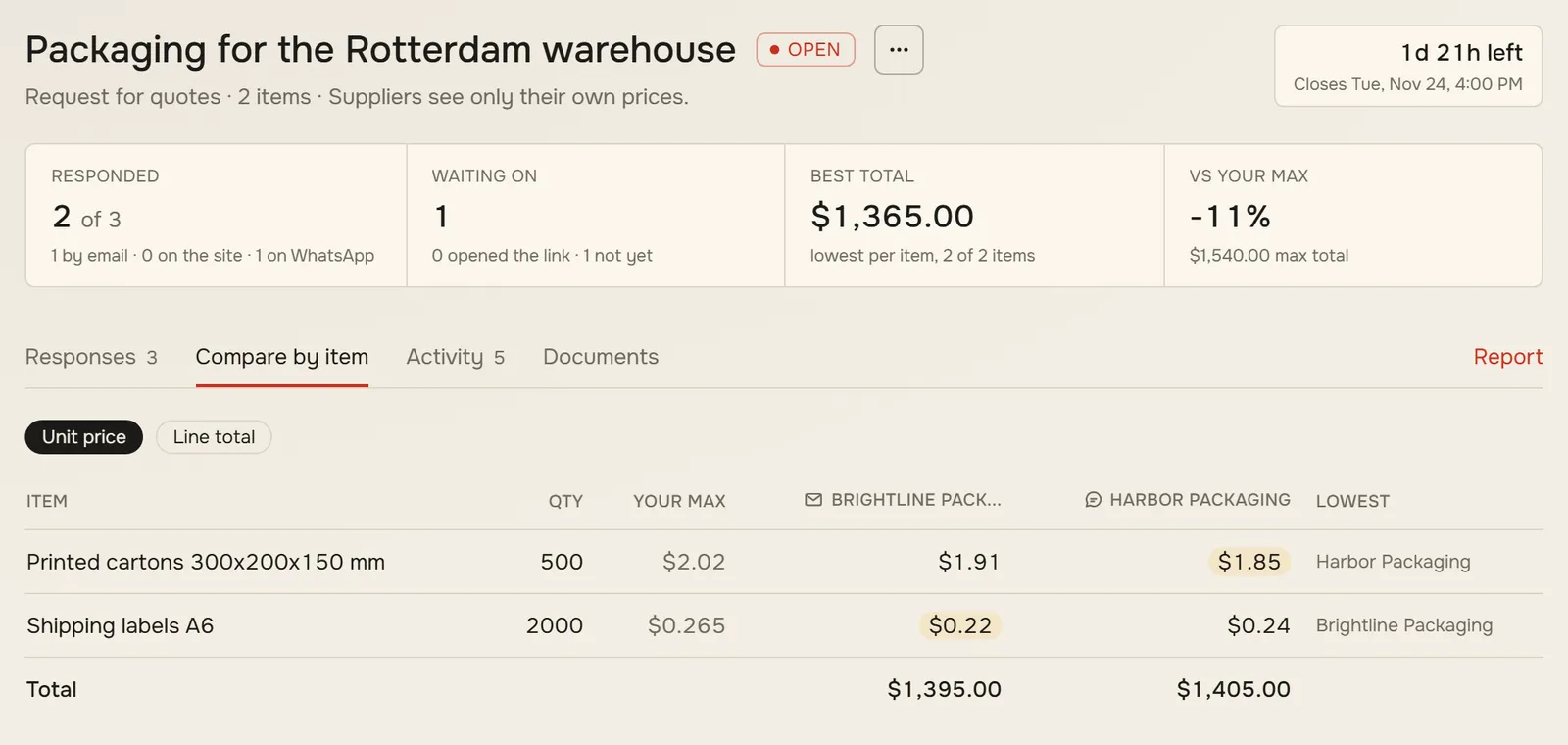
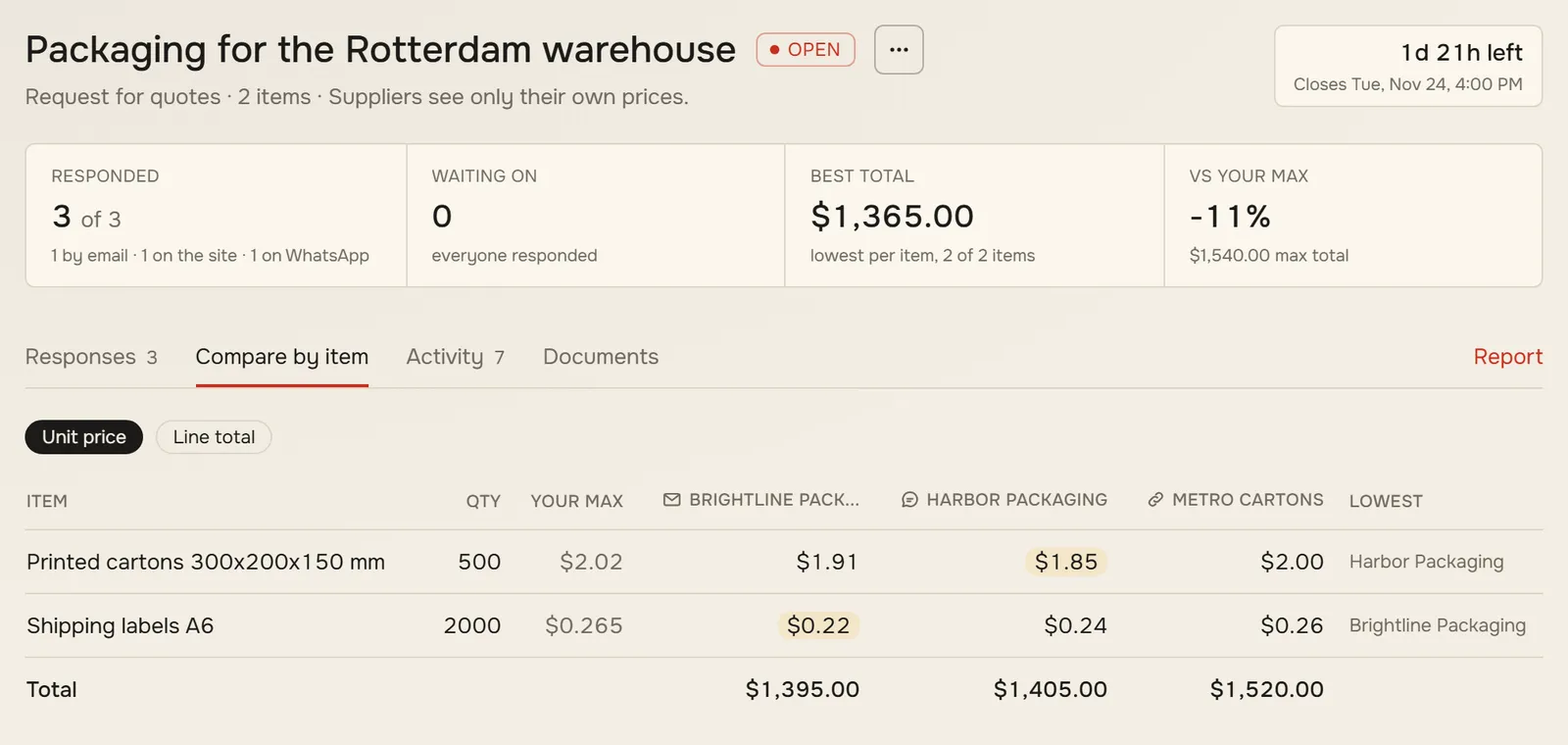
Every quote lands side by side
WhatsApp, email and link quotes fill one table, item by item, with the lowest price marked. Award it all to one supplier, or split it by item.
Save time
From a customer's enquiry to a draft request, usually in a minute or two.
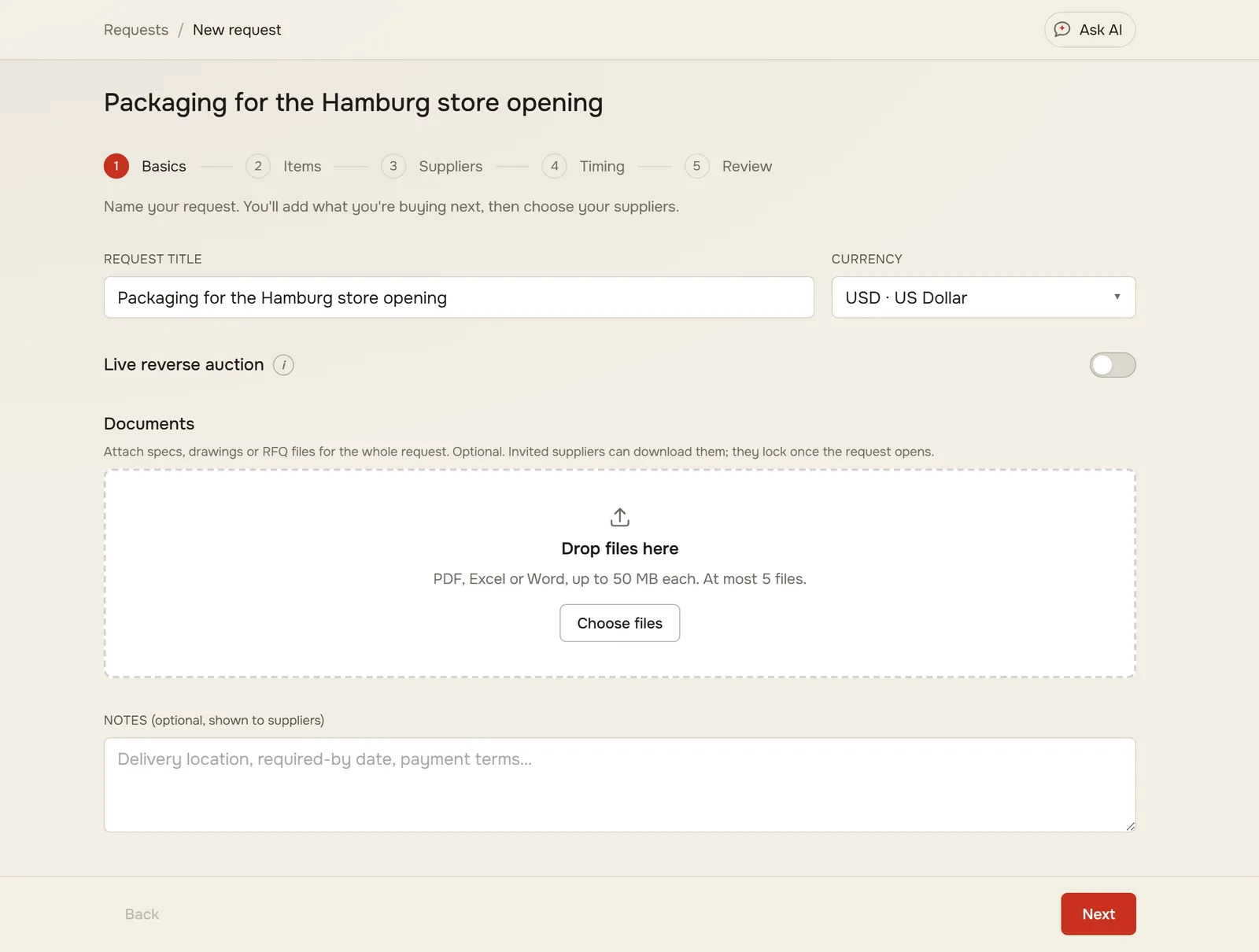
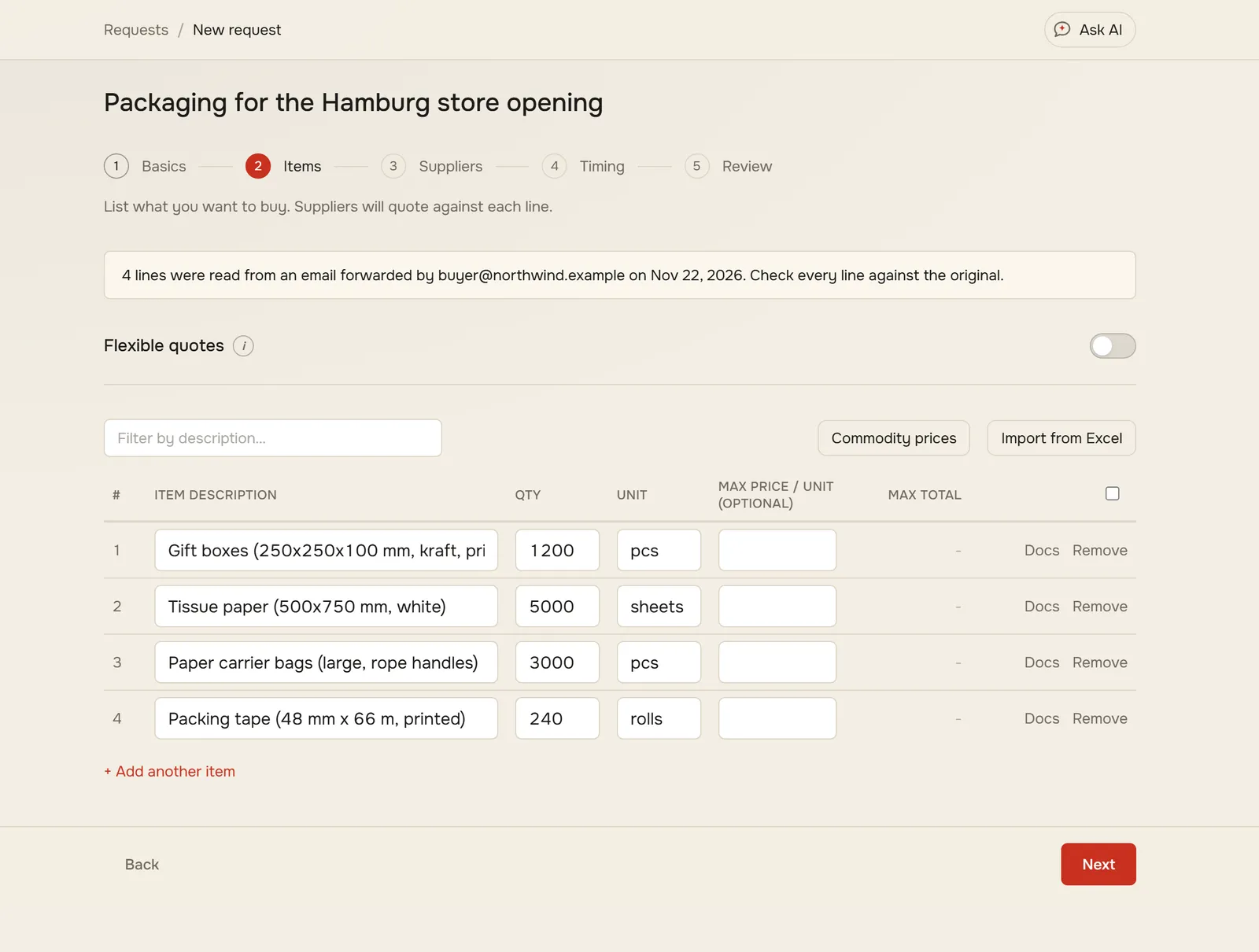
Forward an enquiry, get a draft request New: see the changelog entry
Forward a customer's email with its PDF or spreadsheet. The items come back as a draft for you to check.
Text PDFs and spreadsheets, up to 3 files.
Draft a request in chat
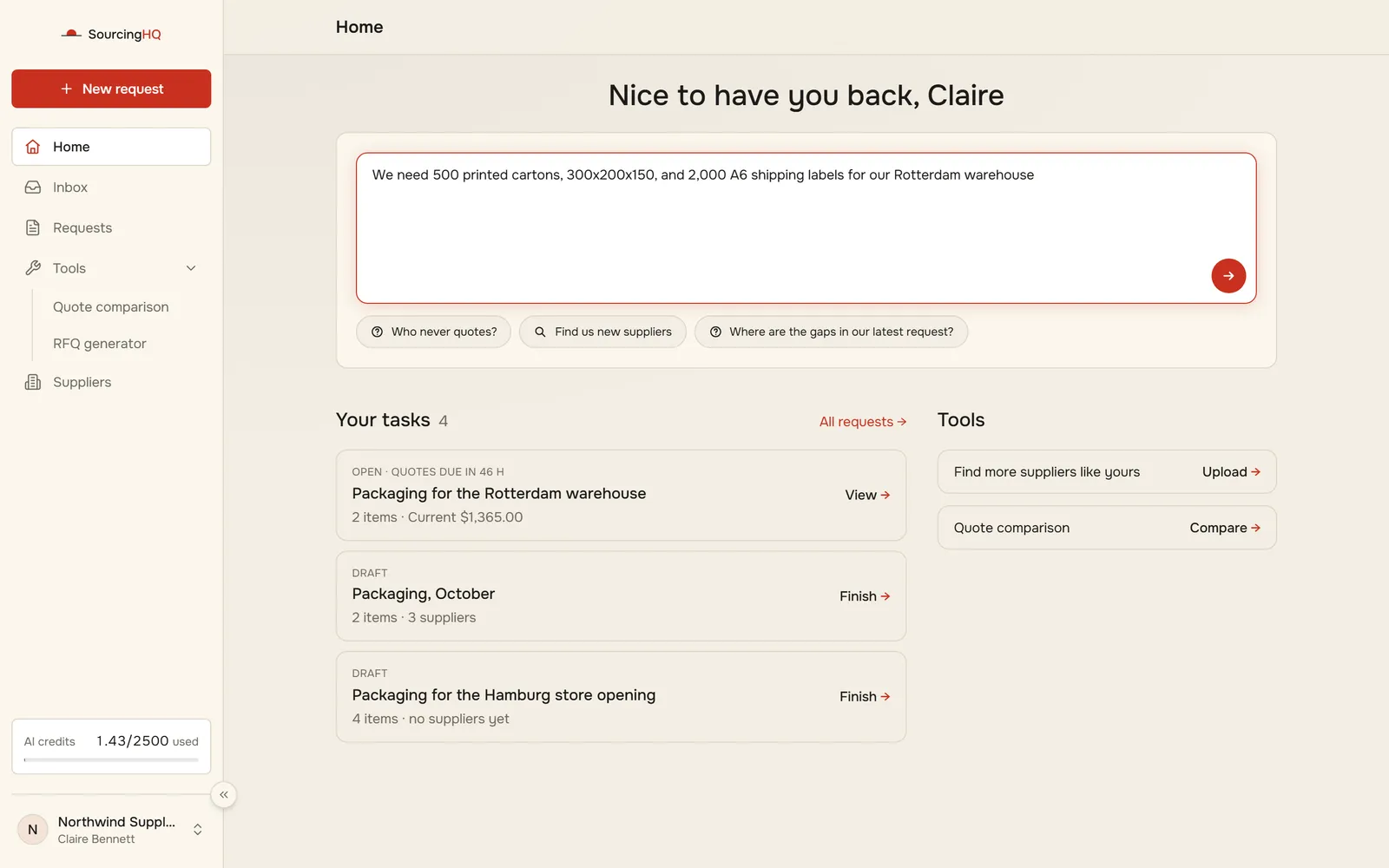
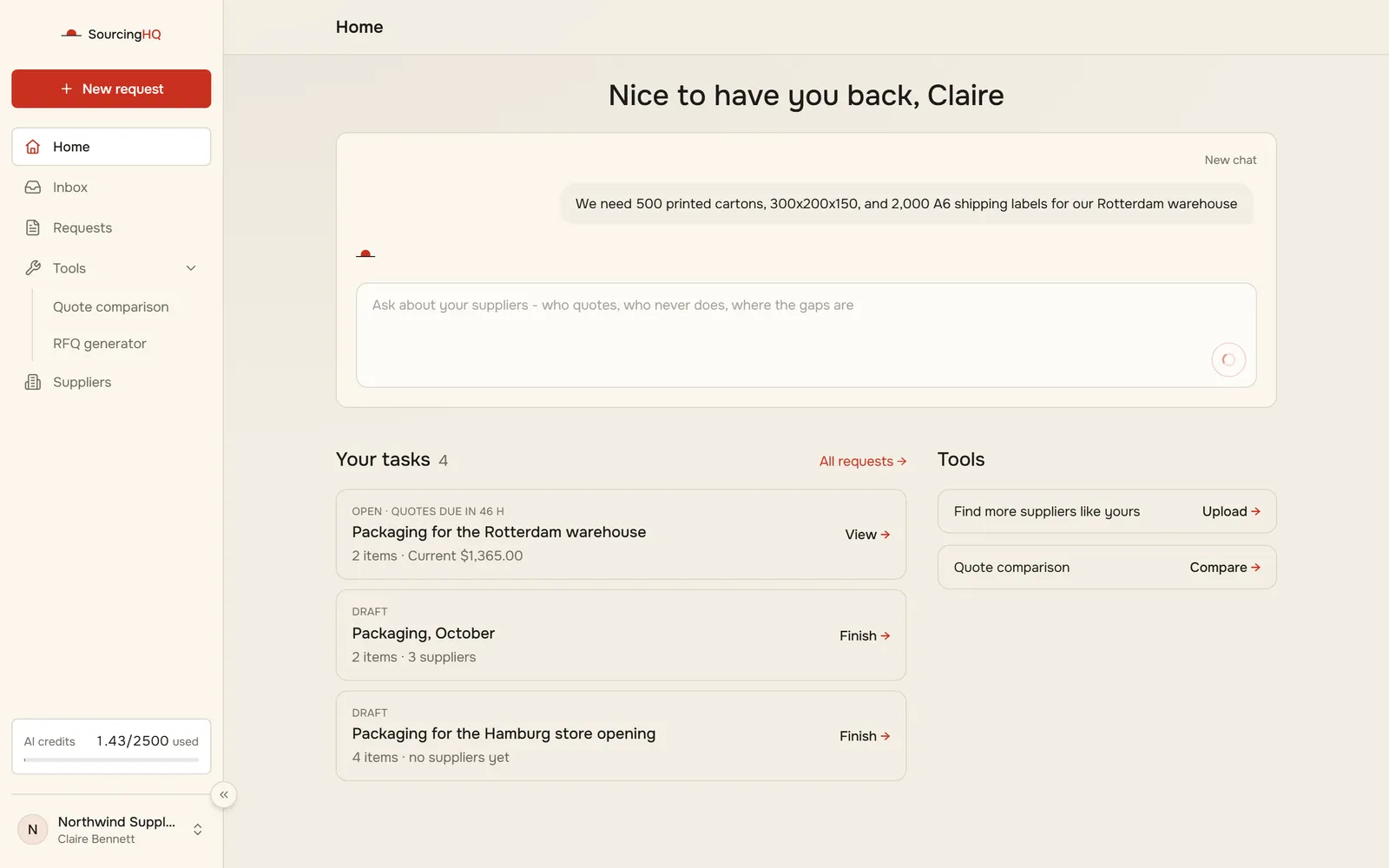
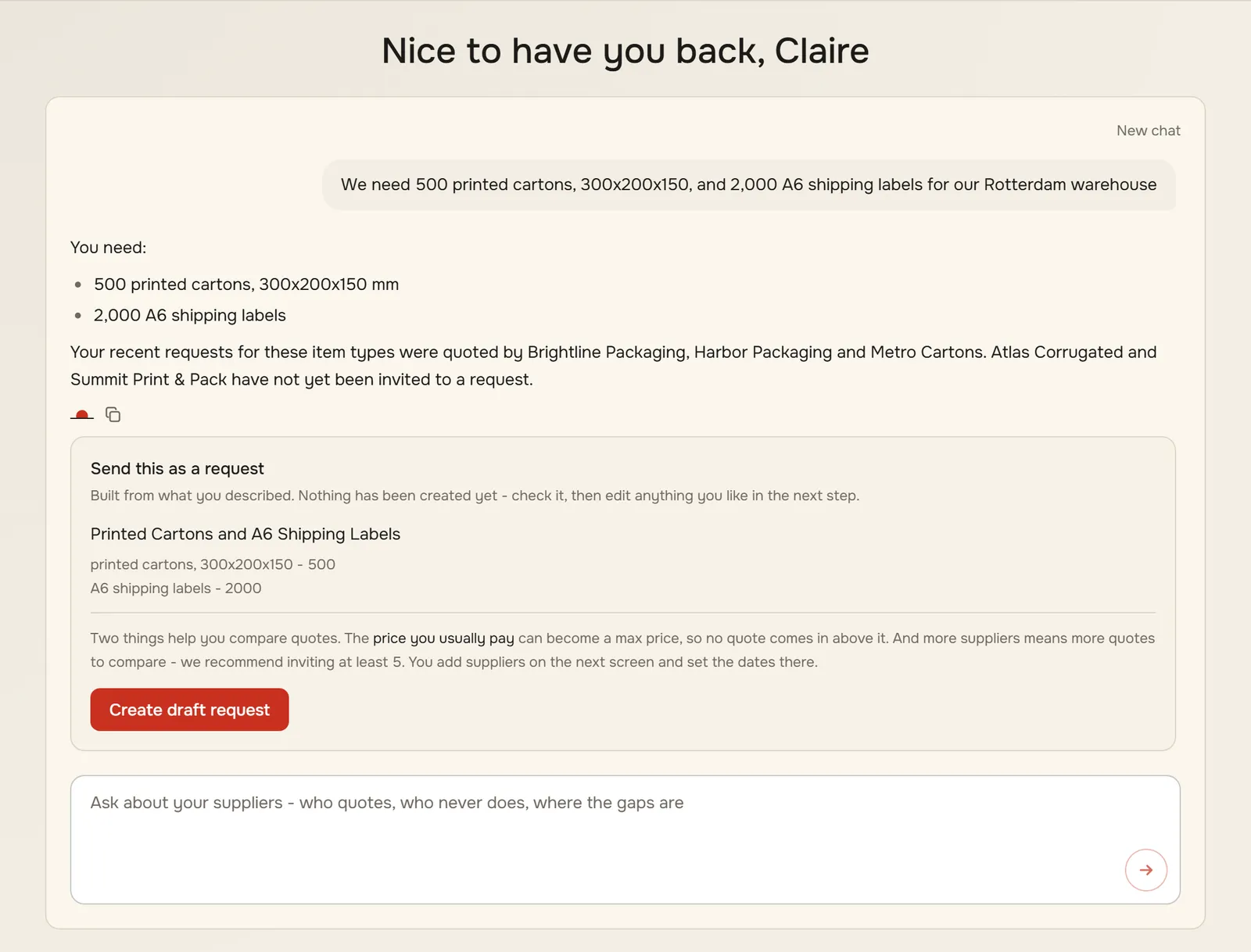
Tell Ask AI what you need in your own words. It drafts the items, quantities and units.
Nothing goes to a supplier until you send it.
Run a past request again
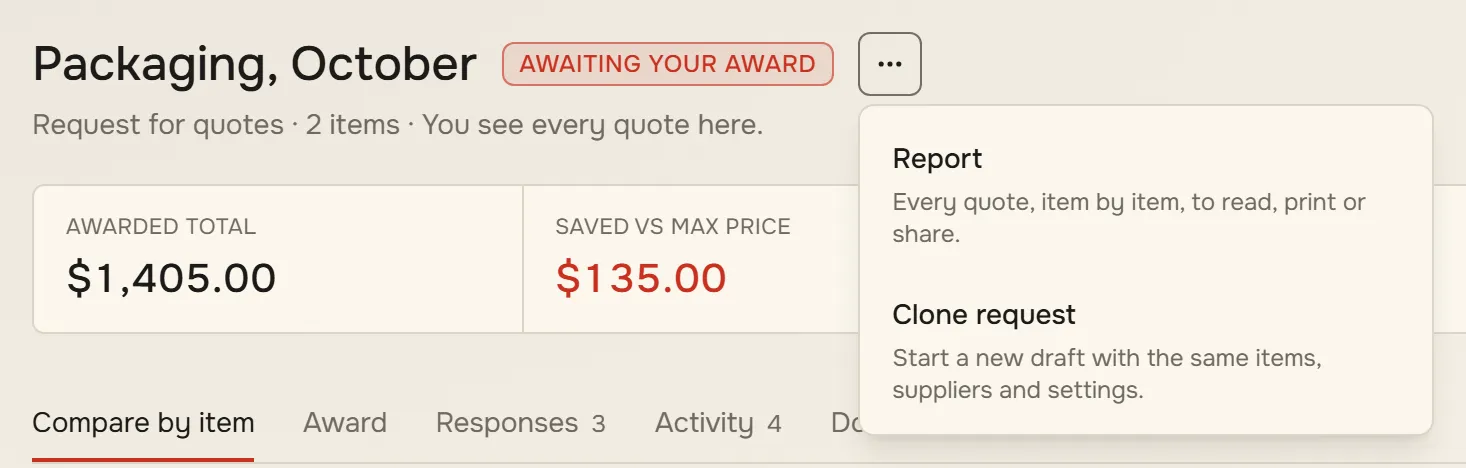
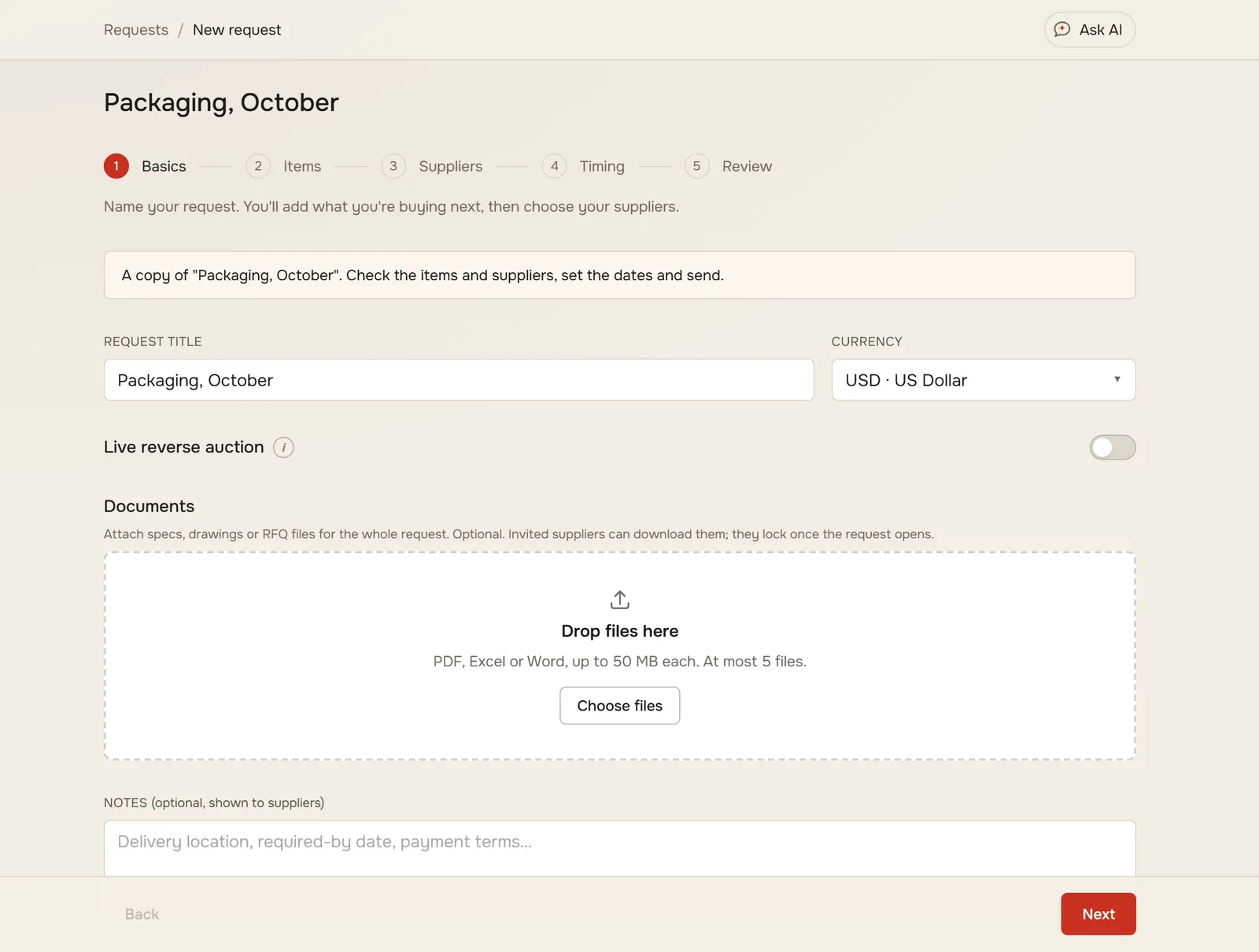
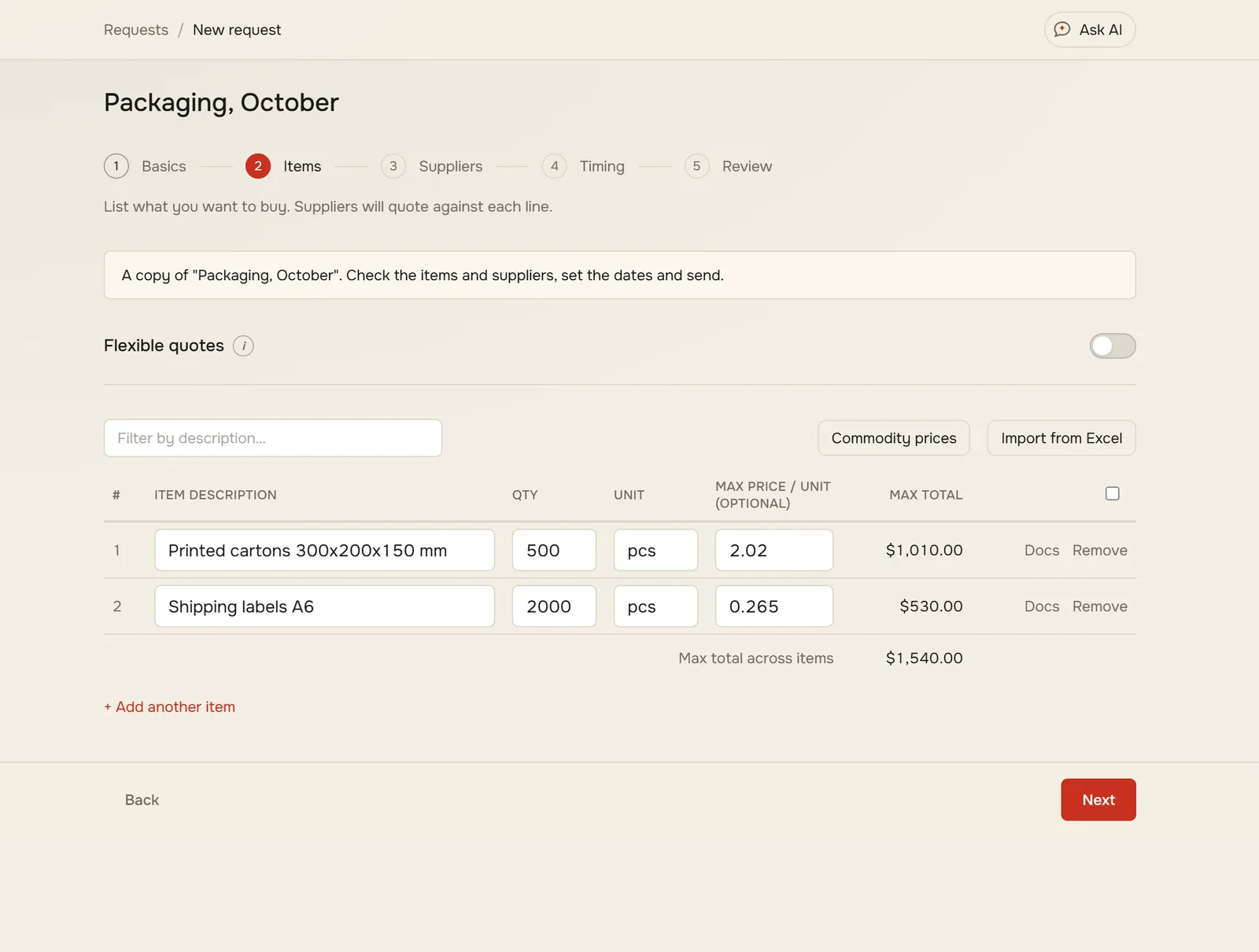
Clone request copies the items, suppliers and settings into a new draft. A saved quote comparison can start one too.
Find suppliers
More suppliers to ask, and what to know before you buy.
Find suppliers like yours
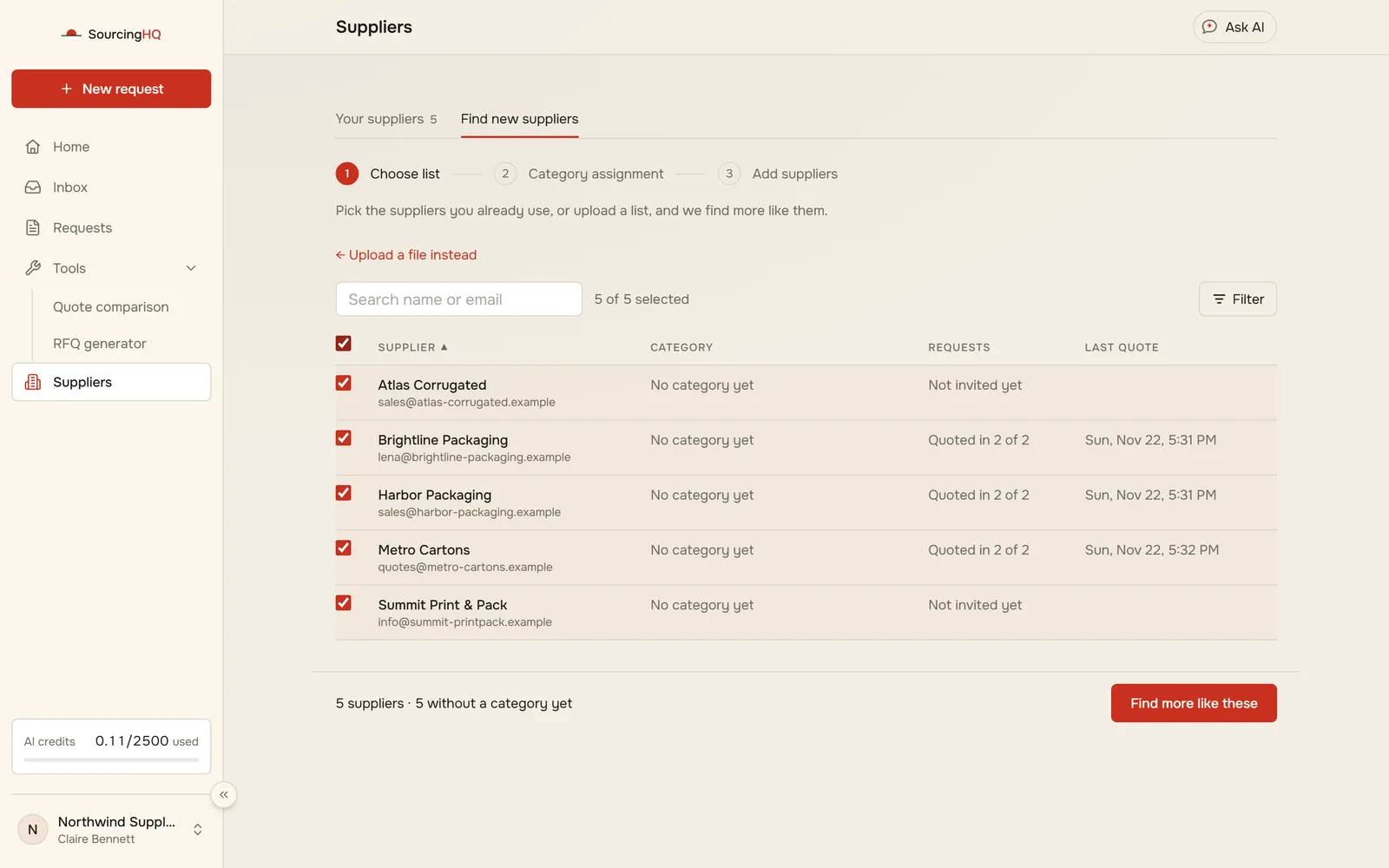
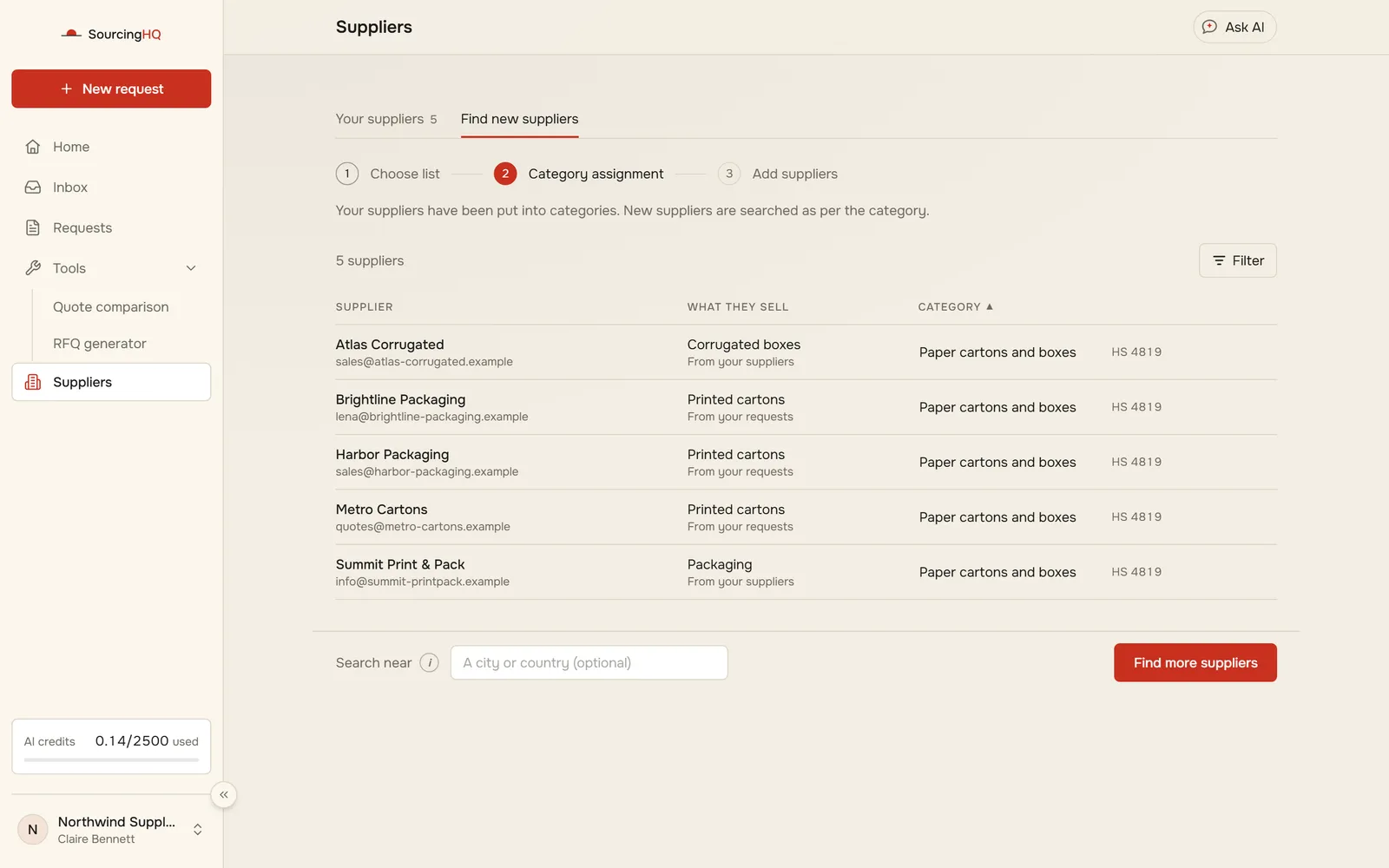
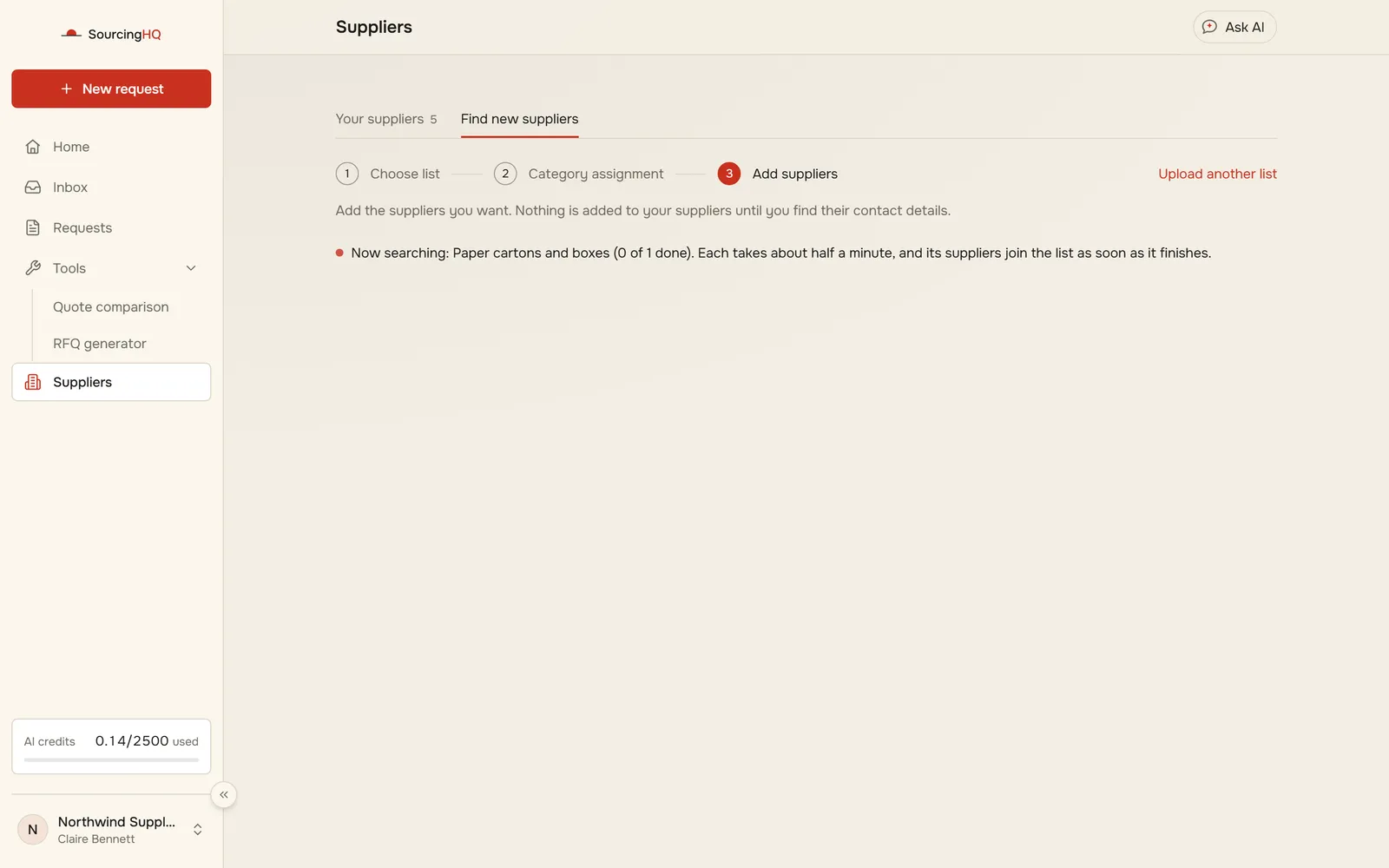
Start from the suppliers you already use. SourcingHQ finds more like them, near a place you choose.
Every one is named on a page the search found.
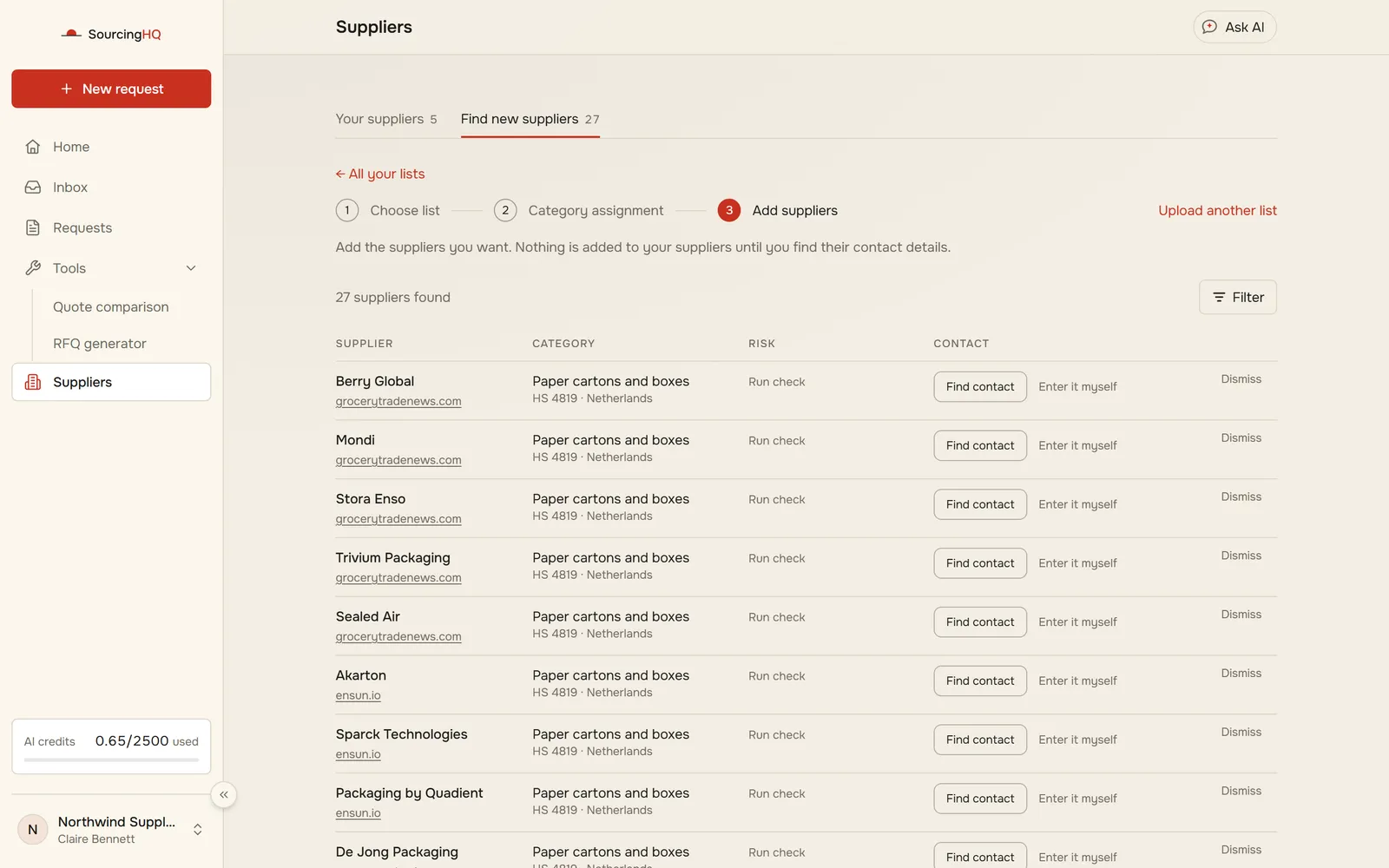
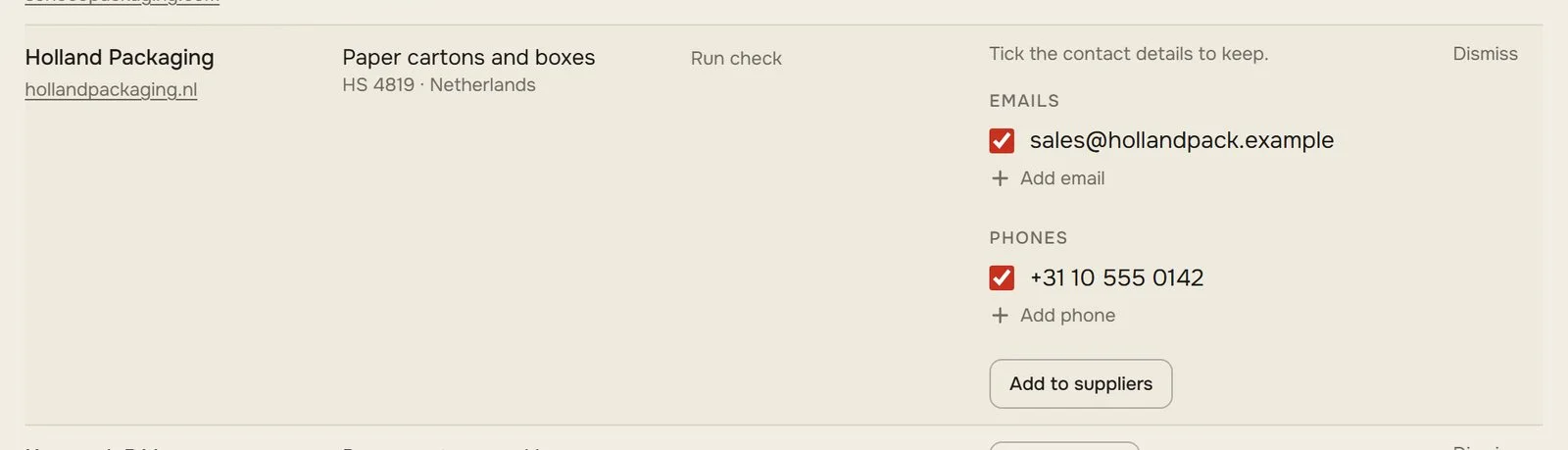
Find a supplier's contact
Look up a supplier's public emails and phone numbers before you invite them.
Not always found, and never verified.

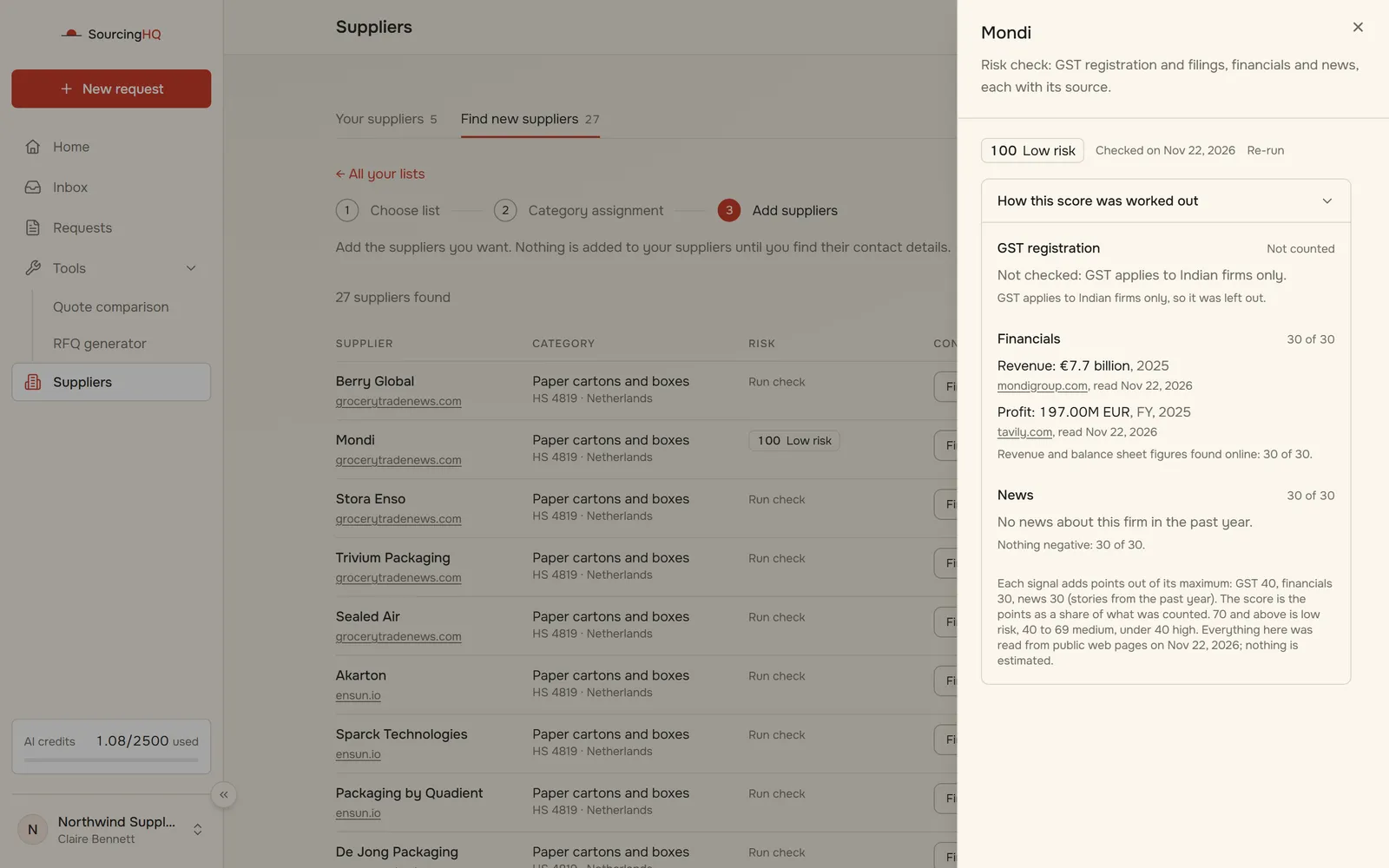
Supplier risk check
Before you buy, see what public records say about a supplier, with a Low, Medium or High risk when there's enough to score.
Found by web search, never verified.

And the rest
Live reverse auction
When you want it, switch it on and suppliers bid each other down, live.
Open or blind. Needs at least two suppliers and a max price on each item.
One request to all your suppliers
Each supplier quotes privately by your deadline, and never sees who else you invited.
One reminder goes to those who haven't replied.
Your supplier book
Add suppliers by hand or from Excel or CSV. Ask AI suggests who to invite from your own history.
Suggestions start once you've sent a few requests.
Team
Colleagues see the same requests, suppliers and comparisons.
Your data and reports
Download the comparison as a PDF or Excel report. No other customer sees your suppliers or prices.
Free: quote comparison tool
Drop in quotes you already have and get them side by side. No sign-up.
Export needs a free sign-up.
Free: RFQ generator
Paste a customer's enquiry and get a clean RFQ to send. No sign-up.
Pictures are from a demo company. Supplier names, prices and contacts are examples.
Try it on your next request. No credit card needed.
Start freeWhat changed and when: see the changelog.